
ATTENTION!
Important notices and alerts will be displayed here.




Principal’s Message

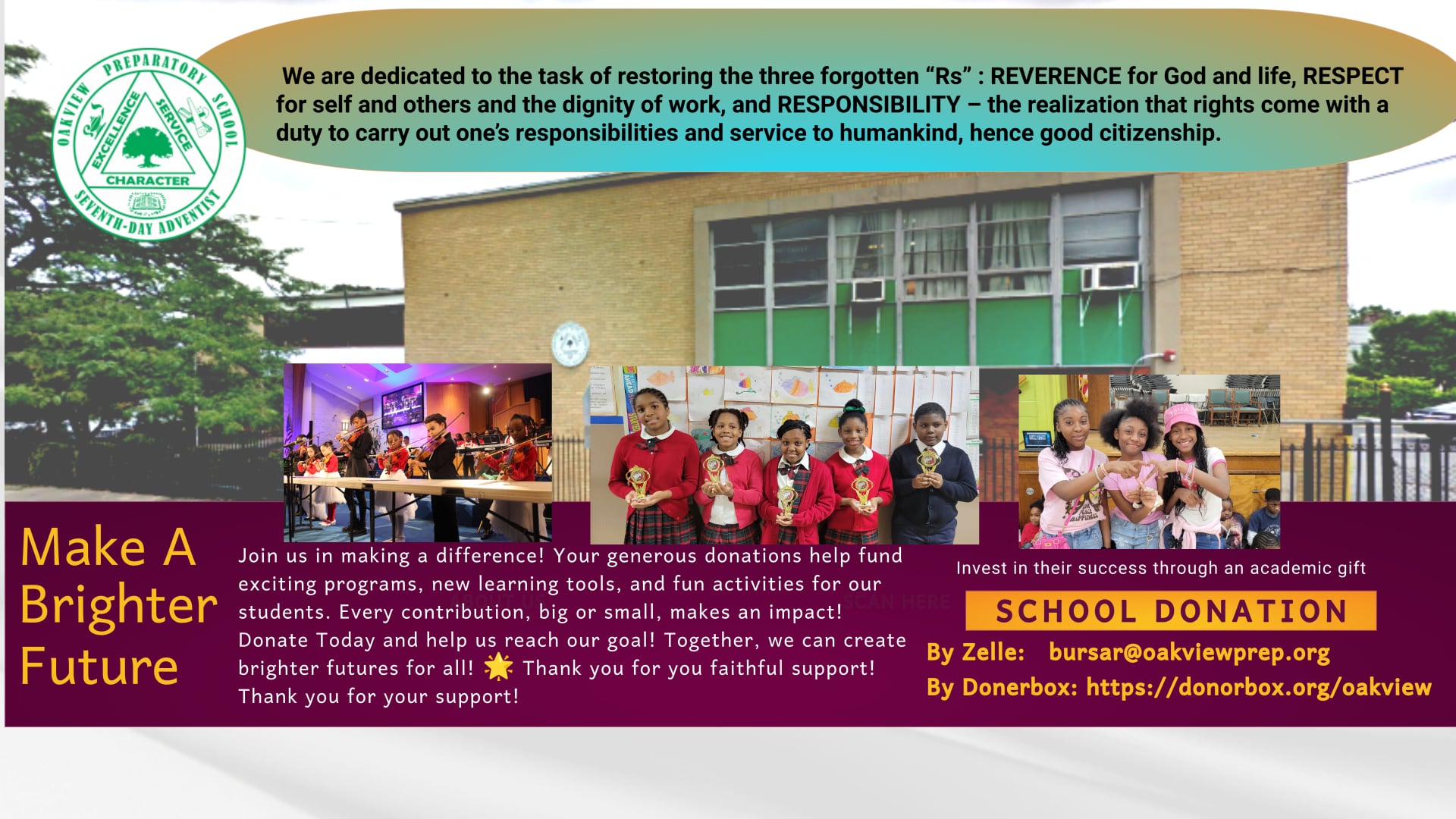
Welcome to the Oakview Preparatory School’s address on the World Wide Web: www.oakviewprep.org. (and formerly www.oakviewprep.com) At Oakview, we believe education is much more than academic excellence. We strive to develop the whole person, including Spiritual, Intellectual, Physical, Psychological, and Social development. Additionally, we focus not only on the three common R’s of education —Reading, wRiting, and aRithmetic but also on restoring in each student the three forgotten R’s of true education —Reverence…for God, Respect…for self and others, and Responsibility…to God and country.
Oakview has a dedicated team of teachers and staff members who endeavor to reflect Christ and integrate Christian values in all aspects of the curriculum and school activities. Oakview is a safe, nurturing environment where students develop holistically.
To enable our students to develop to their full potential, Oakview provides opportunities to challenge our students and engage them in healthy competition. Annual academic contests include the Science Fair, Spelling Bee, Bible Bowl, and Multiplication/Division Challenges. We also offer a wide range of extracurricular activities such as basketball, self-defense, orchestra, vocal choir, and bell choir. We are also developing a drama club and a writing club.
At Oakview Every Child Is A Champion
Gospel Explosion 2025 – March 22, 2025
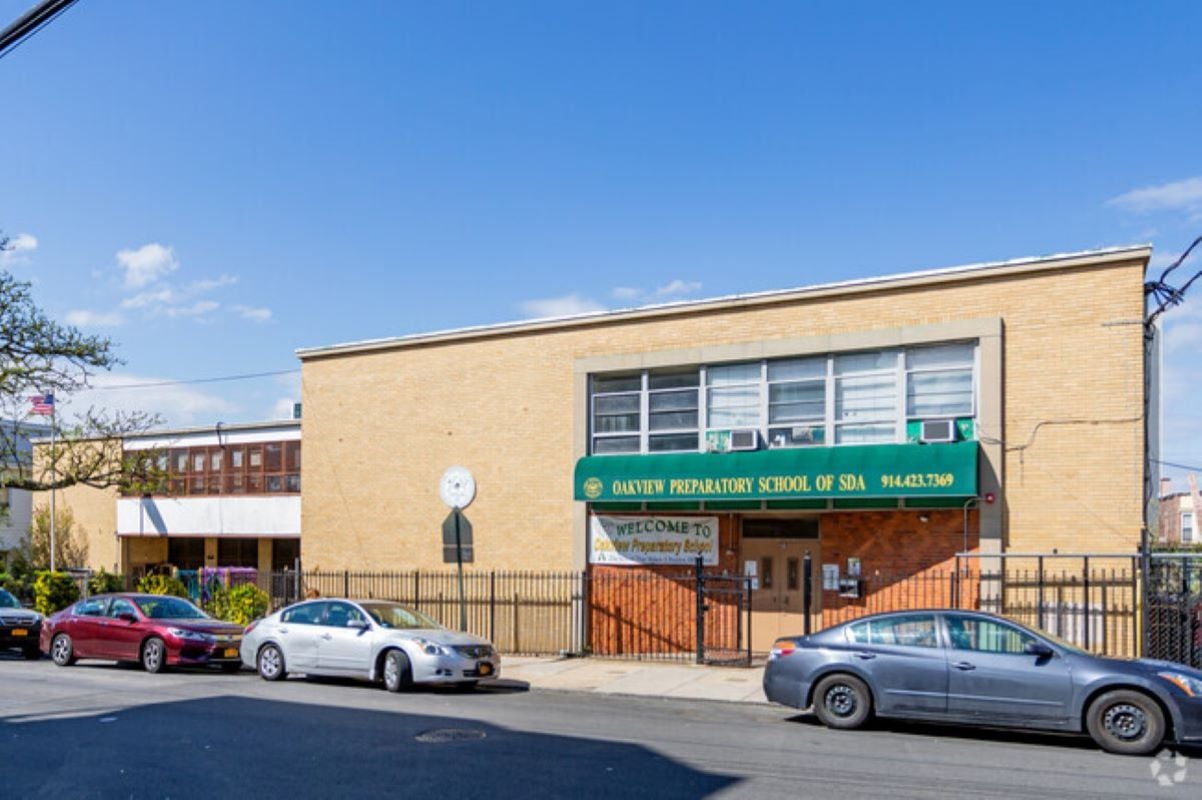
Address: 29 Chestnut Street. Yonkers. NY 10701
Telephone: Office: 914-423-7369 * | Fax: 914-423-0813
Registration: 914-423-7369
Admin Assistant: 914-457-4654.
Treasurer: 914-400-6302
Food Services: 914-347-6744
It will be our pleasure to show you our campus. To schedule a tour, make an appointment, or if we can provide you with more information on why it is great to be a part of the Oakview Preparatory School (O.P.S), please contact our Admission Office. We look forward to meeting you.
WINTER MONTHS CLOSINGS/DELAYS:
* Oakview Preparatory School closes or delays opening whenever the Yonkers Public School system announces such closings or delays, especially during the winter season.*CLICK HERE FOR YONKERS SCHOOL SYSTEM CLOSINGS/DELAYS
UPCOMING EVENTS
September 23 – Mid-term progress reports will be distributed to the students.
September 24 – Apple Picking Trip to Hurds Farm.
September 26 – Selected voices from the senior choir will at the Foster Triplets fundraising concert that will be held in Hartford, Connecticut. All are invited to attend. You may purchase tickets in the office. Ticket prices: adults – $35, children under 12 – $10, VIP – $55
September 30 – Due date for orchestra application. Students will have the opportunity to learn to play one of the following instruments: violin, guitar, keyboard, saxophone, cello, ukelele, recorder, or trumpet. Music classes will begin on Wednesday, October 7.
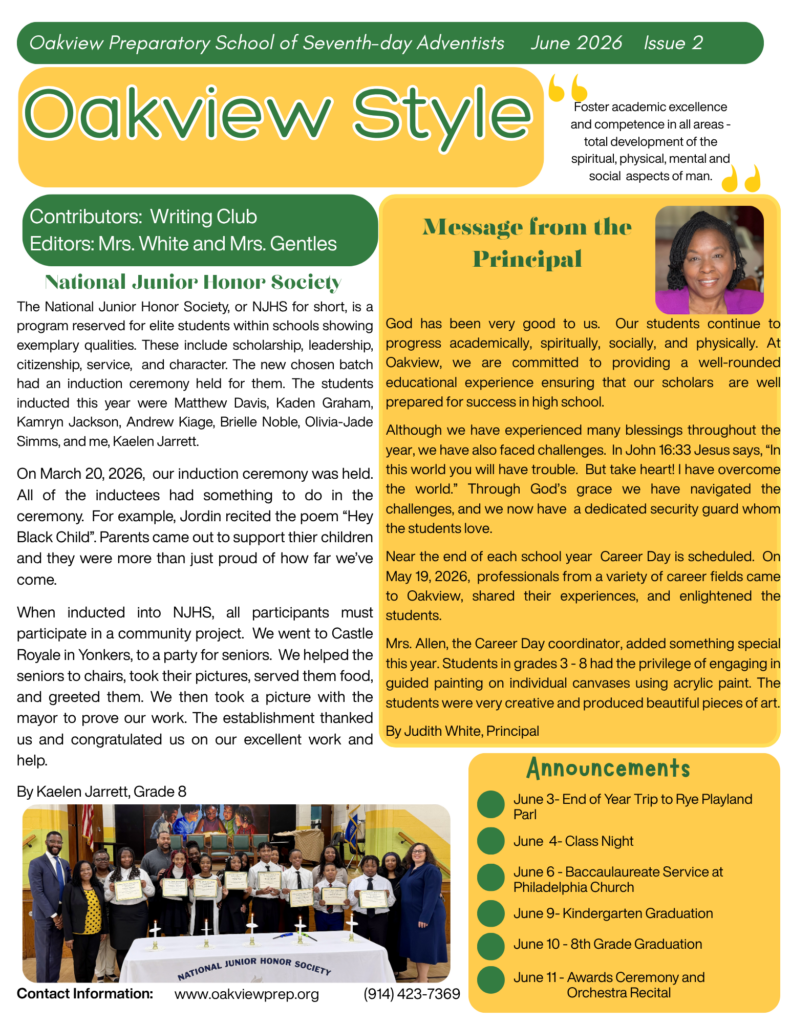
OPS NEWSLETTER
2nd Edition


click the button below to sign in to your
Jupiter Ed. Account

O.P.S TECHNOLOGY TIPS
- How to print online pages without all the other “junk” advertisements.
- How to quickly find a web page you visited when you don’t remember the title of the page or website
- How to download videos from YouTube, Vimeo, and more
Before copying or distributing any content online, make sure you have the legal right to do so or it falls within the Creative Commons (CC) license - How to watch YouTube videos without all the other “junk” on the site